
1 juni 2026 · Rick Bossenbroek
6 new RunClubs.nl features for run club owners
New RunClubs.nl features for run club owners: better ranking, new run types, event status, pace groups, language and notifications. See how to use them.
We shipped six new features for run club owners, all built to cut your admin and get more runners on the start line. Here's what each one does and how to use it, ordered by what matters most.
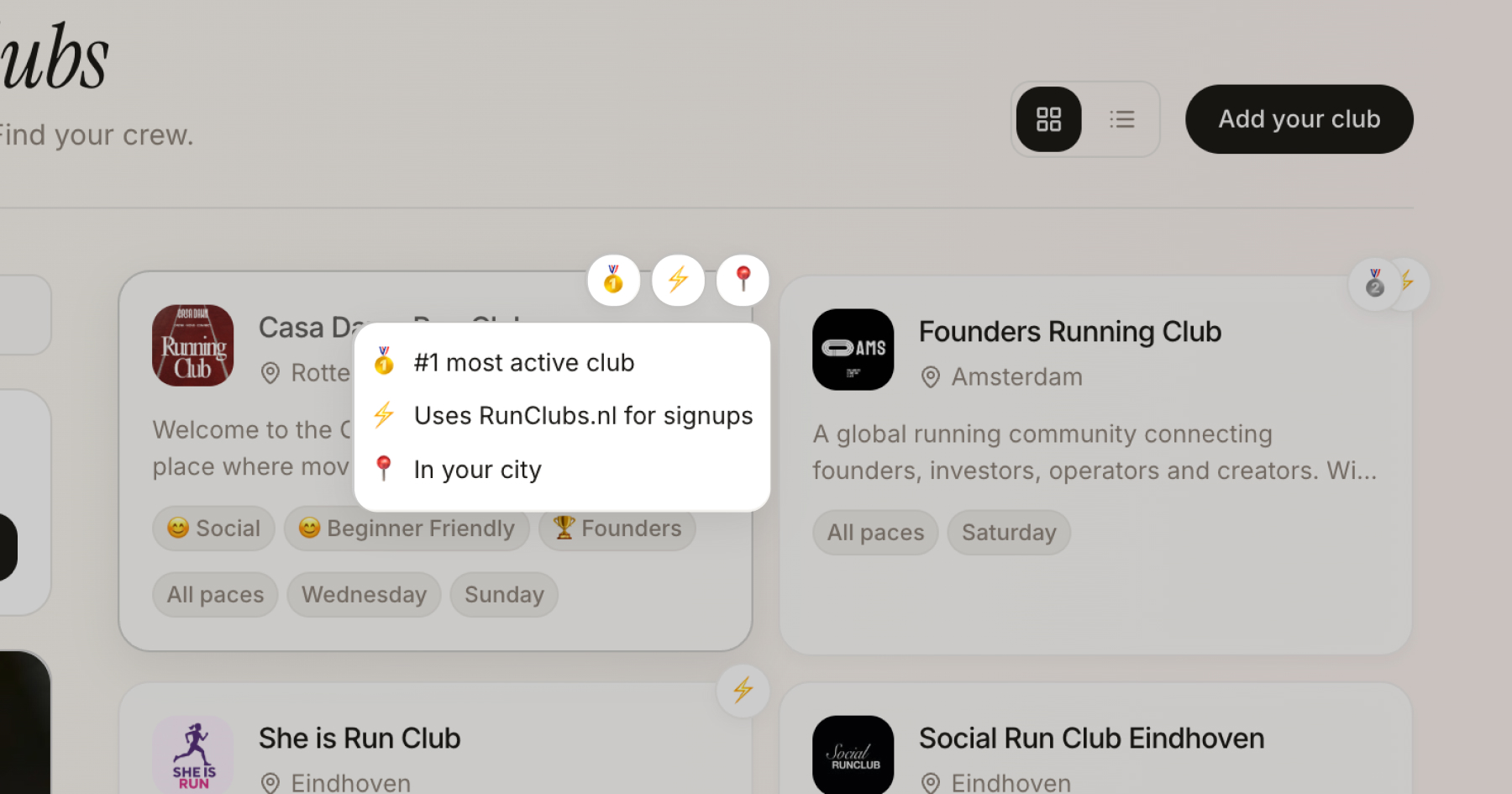
1. Active clubs get ranked higher in the directory
Here's one that rewards the work you're already doing. Run clubs that use RunClubs.nl properly are now pushed higher in the directory.
"Properly" means the things a healthy club does anyway: keeping your runs up to date, filling in your club details, picking the right run types, and showing real, ongoing activity. Clubs that do this rise above dormant listings.
How to use it
There's no trick. Keep your runs current, run them on a schedule, complete your profile, and stay active. The clubs that treat the platform as a living noticeboard for a real community are exactly the ones that climb. If your profile has gone quiet, refreshing your upcoming runs is the fastest way to move up.
2. Stay in the loop with notifications
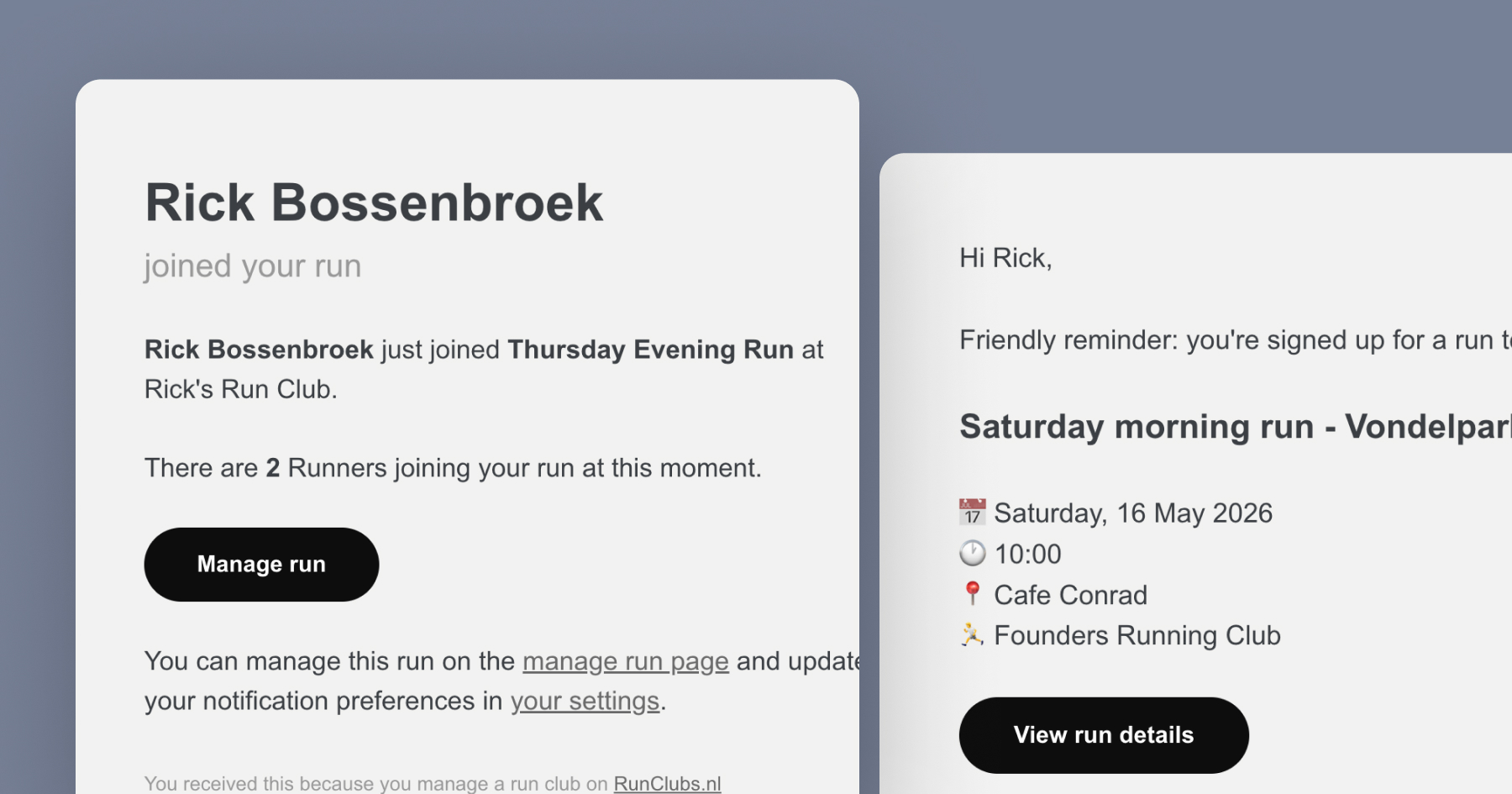
Both sides of a run now get a nudge at the right moment, without anyone having to check the app.
Runners get an email reminder before a run they've joined, so fewer people forget and your start line stays full. As an owner, you get an email the moment a new runner signs up for one of your runs, with their name and the updated head count, so you always know who is coming.
How to use it
Nothing to switch on: both emails are automatic. You can turn either one off under Settings, in the Notifications tab, if you'd rather not receive them.
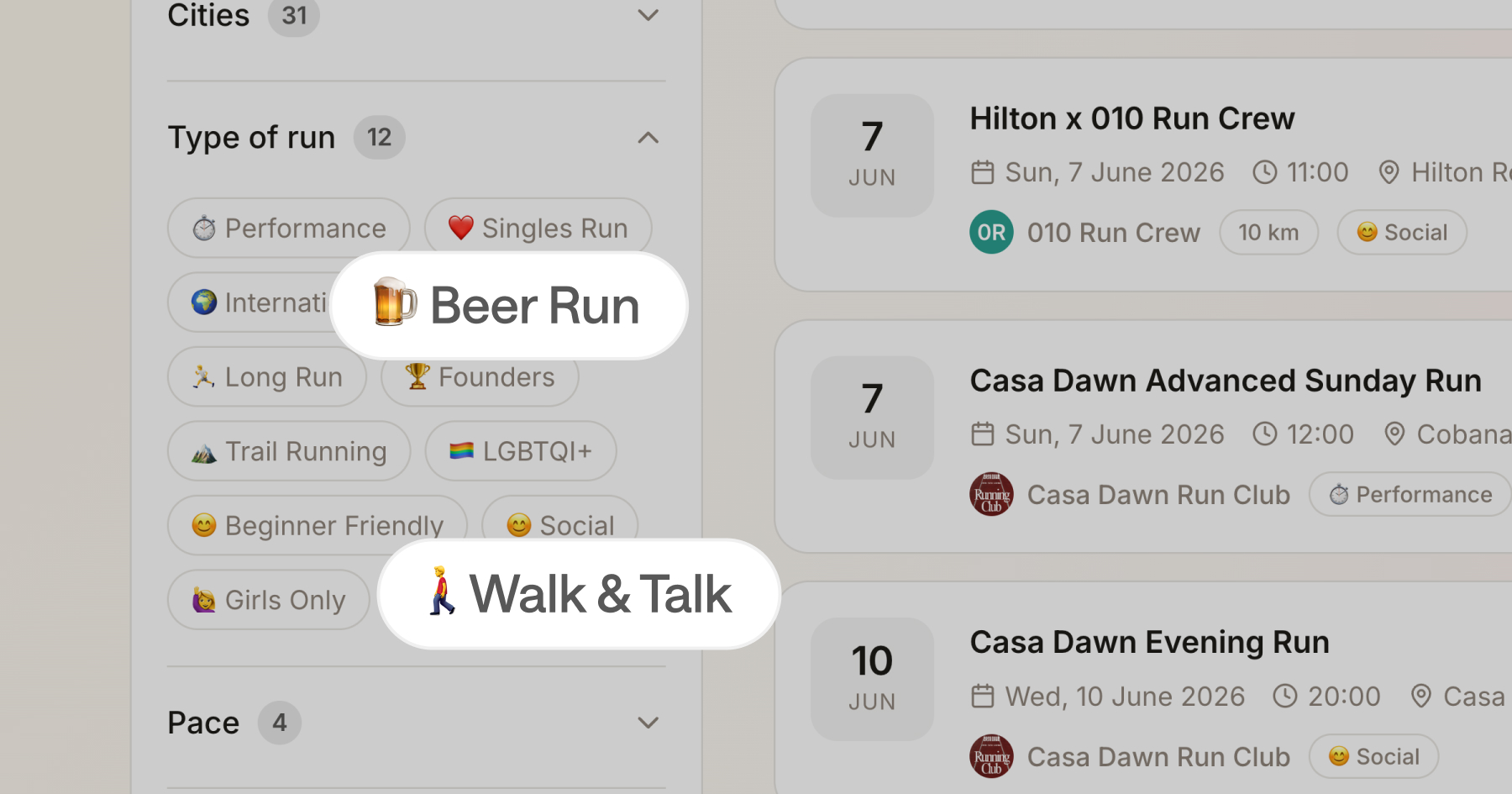
3. New run types: Walk & Talk and Beer Run
Not every great club session is a hard run. Some of the most welcoming, most consistent groups are the ones that go slow on purpose.
We added a Walk & Talk run type for clubs that want to offer a low-pressure, social, conversational session. It's perfect for absolute beginners, runners coming back from injury, parents with a buggy, or anyone who shows up for the community as much as the kilometres.
And for the clubs that make the finish line the best part, we added a Beer Run type: an easy few kilometres that start or end at a brewery, then a cold one together. Amsterdam's Craft Beer Run Club is the blueprint, with recurring social runs at breweries like Two Chefs, Walhalla and Brouwerij Hoop. If that's your vibe, tag your runs as Beer Run so the right crowd finds you.
4. Cancel or postpone runs with an Event Status
Real life happens. A storm rolls in, the route floods, you're down with the flu. Until now, communicating that meant scrambling across WhatsApp groups and hoping everyone saw it.
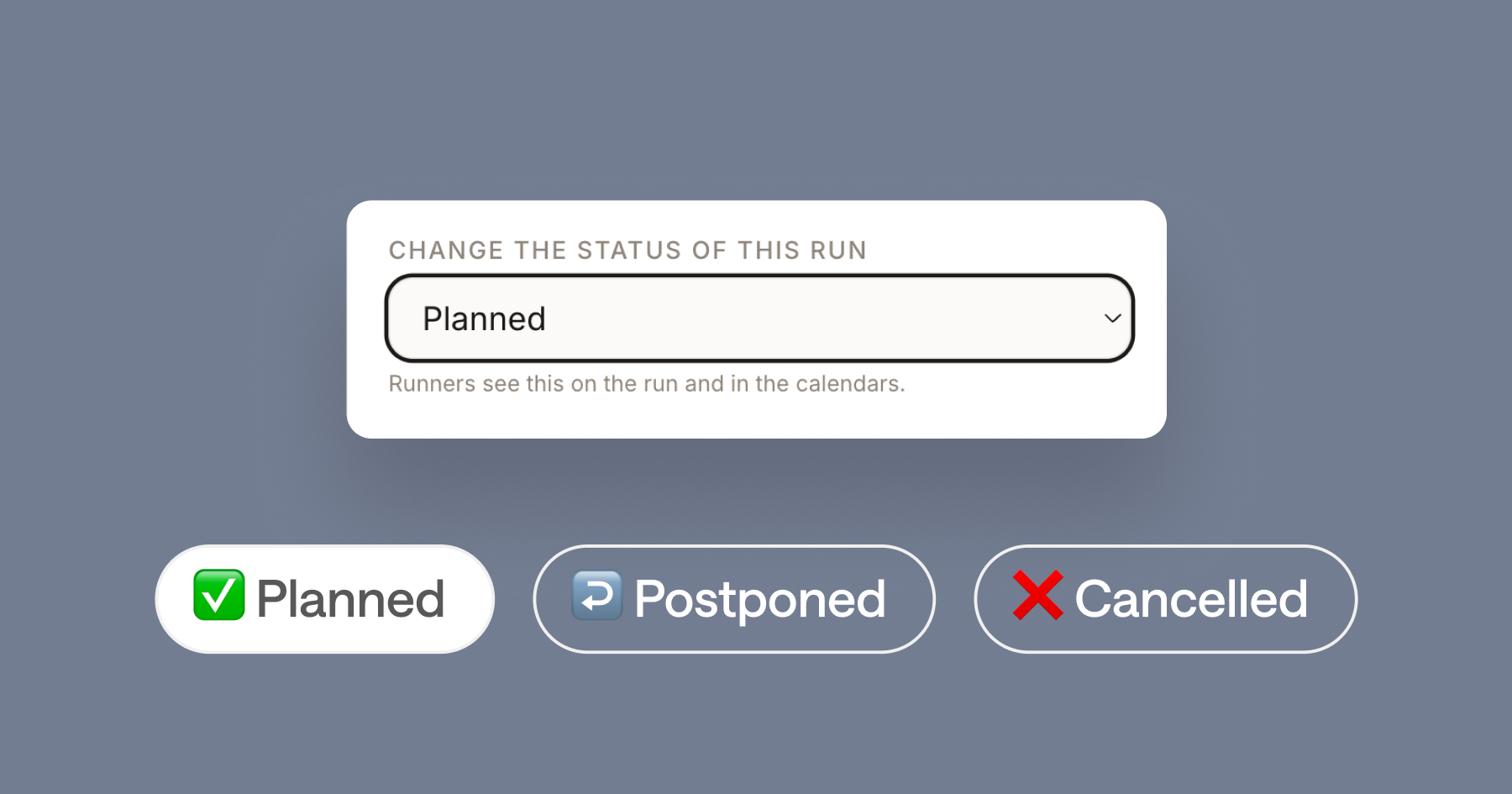
Every run now has an Event Status. With a couple of taps you can mark a run as cancelled or postponed, and that status shows clearly on the run page for anyone who signed up.
How to use it
- Go to the run you need to change.
- Set the Event Status to cancelled or postponed.
- Add a short note if you like, for example "Code orange wind warning, see you next week."
The status is visible immediately on the run, so anyone checking before they leave the house gets the message.
5. Show every pace with Pace Groups
"Will I be too slow?" is the question that stops a lot of newcomers from showing up. Pace Groups answer it before they even have to ask.
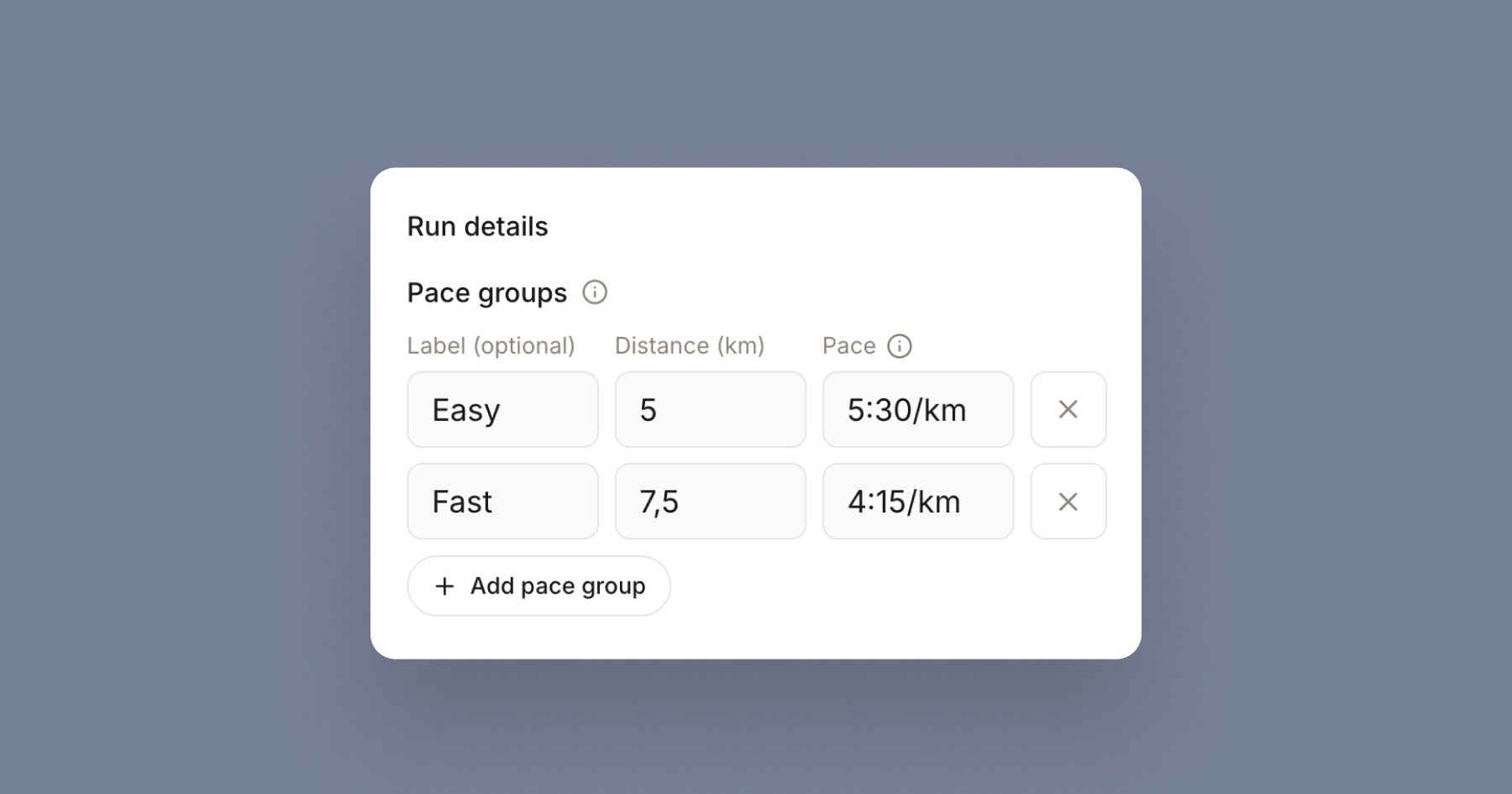
In a run's details you can add a row for each group, each with an optional label, a distance and a pace. One Thursday session can then clearly show an Easy group running 5 km at 5:30/km alongside a Fast group doing 7.5 km at 4:15/km, all from the same start. You can add up to five groups.
How to use it
When you create or edit a run, fill in the Pace Groups under Run details. Most clubs only need one. Add more the moment your runners split into different distances or paces, so everyone knows there's a group for them.
6. Set your club language: NL, EN, or both
The Dutch running scene is genuinely international. In cities like Amsterdam and The Hague, a single club might have native Dutch runners and expats from a dozen countries on the same start line.
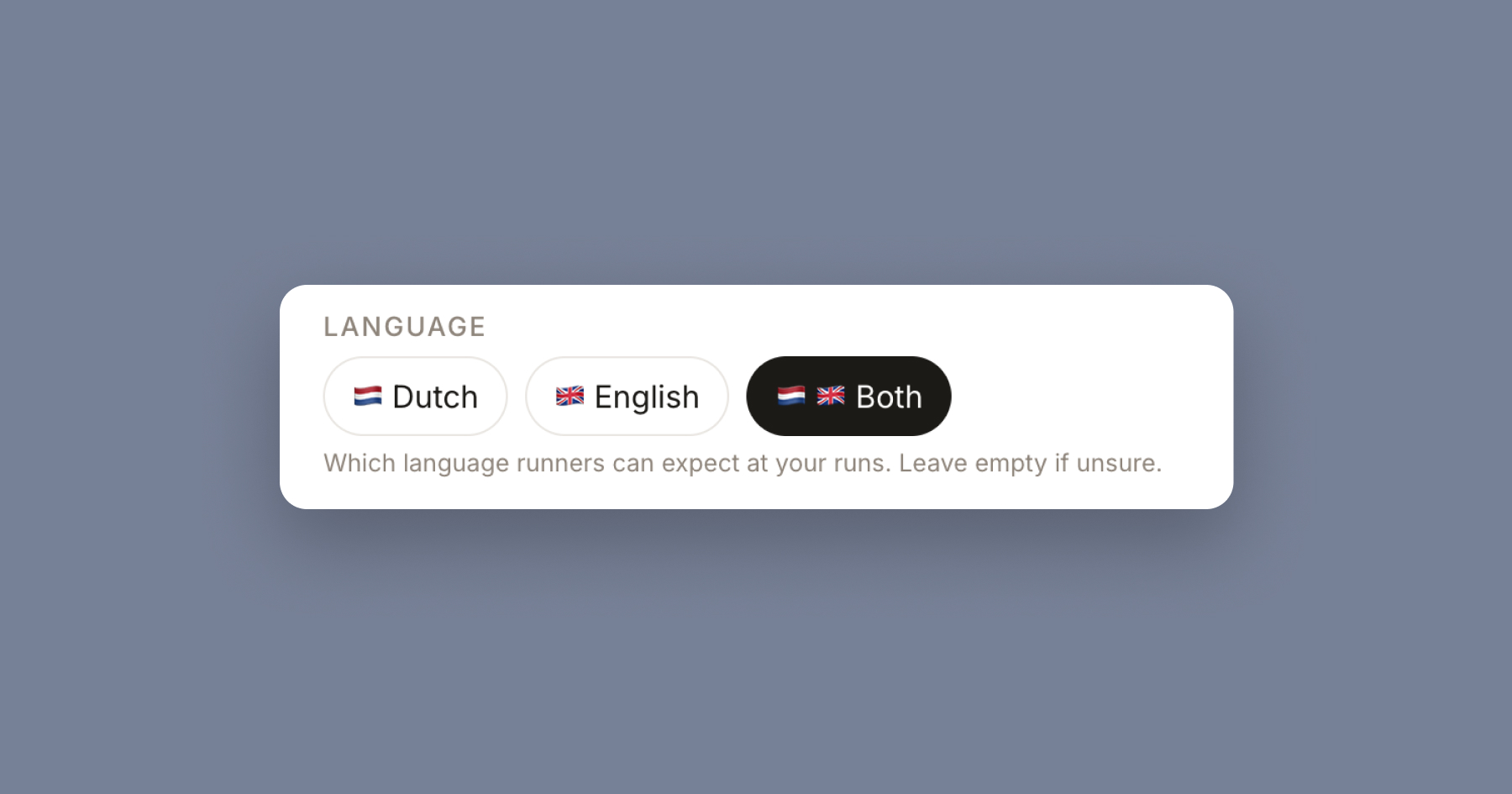
You can now set a language preference for your club: Dutch, English, or both. It tells potential members what to expect before they show up.
How to use it
Open your club settings, choose NL, EN, or both, and save. We recommend "both" only if you genuinely run sessions that work in two languages, because honest signalling builds trust with new runners.
Put it all together
The thread running through all six updates is the same: less admin for you, more clarity for your runners, more people showing up. Keep your profile active so you climb the directory, pick the right types including Walk & Talk and Beer Run, add Pace Groups so every runner sees a group for them, and set your club language. The Event Status and notifications then handle the week-to-week friction that used to eat your time.
Ready to grow your club? Make sure your profile is up to date in the run club directory, or browse clubs in your city like Amsterdam or Utrecht to see how active organisers are setting things up.
Let's run,
Rick